Use structure before pattern matching
Section boundaries narrow the composition search. Product-name patterns handle different labels, while nearby text helps recover chemical names that wrap around CAS numbers.
02 / CASE STUDY SDS Chemical Extractor
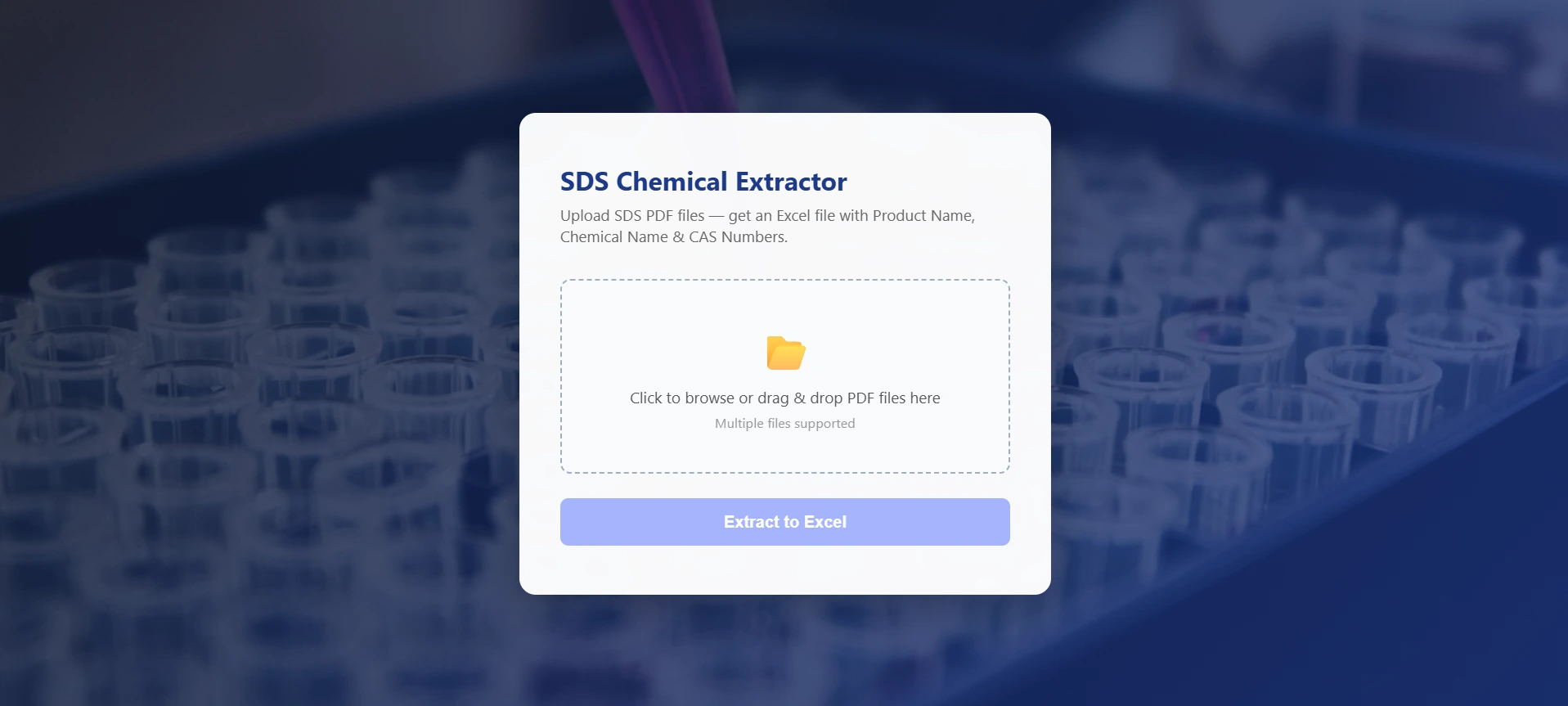
Less copying. More useful data. A practical Python tool that turns batches of safety data sheets into a structured Excel workbook.
Client project · Textile industry
Python tool development
01 / THE PROBLEM
A corporate textile client needed product names, chemical names, and CAS numbers from SDS PDFs in spreadsheet form. The challenge is that the information can sit in tables, wrap across lines, or appear under different labels.
02 / THE APPROACH
The parser reads product identifiers from Section 1 and locates the composition information in Section 3. It tries table extraction first, then falls back to text when tables yield no items. The extracted records become a three-column workbook.
The browser and command-line workflows reuse the same extraction function. The output preserves a product’s identity alongside its chemical records.
03 / KEY DECISIONS
Section boundaries narrow the composition search. Product-name patterns handle different labels, while nearby text helps recover chemical names that wrap around CAS numbers.
Files with no extracted ingredients produce an N/A row. A failed file produces an error row while the batch continues, giving the reviewer a place to investigate.
pandas and openpyxl create the workbook with headers, adjusted column widths, and row heights. The result is ready for review in the client’s existing spreadsheet workflow.
04 / THE RESULT
The tool accepts multiple PDFs and exports product, chemical, and CAS fields together. It puts extraction and formatting into one workflow, with the original documents available for checking the results.
Extraction depends on readable PDF text and recognizable layouts. The current pipeline has no OCR stage; scanned documents and unusual formatting need separate handling or manual review.
05 / EXPLORE THE CODE
Follow the implementation behind the decisions.